gk44 Login — Access Your Account Easily and Stay Secure
Our goal is to make logging in to gk44 hassle-free every time. Whether you are on a phone or a computer, you will find quick ways to get in, what to do if you forget your password, and tips to keep your account secure.
gk44 Login
This is a visual sample. Log in directly at gk44.mobi.
Logging in on a mobile phone step by step
Most gk44 members log in using a mobile phone. Following the steps below will get you in quickly every time.
Open your browser
Open any browser on your phone (Chrome, Firefox, or any other) and go to gk44.mobi. Bookmarking the address will save you time next time.
Tap the login button
The login button will be at the top right of the page. Tapping it will bring up the login screen.
Enter your details
Enter your username and password. Enabling the "Remember me" option will fill in your details automatically next time.
Verify the OTP
An OTP may be sent to your mobile number for security. Enter it within the given time and you will be in your account.

Useful tips for logging in on your phone
When using gk44 on your phone, use the browser's "Add to Home Screen" option — it will open like an app. If your data connection is weak, the page may load slowly, so log in on Wi-Fi or a strong network. It is best to avoid logging in on public Wi-Fi, as third parties may be able to see your data there.
All gk44 pages use SSL encryption, so your information is safe as long as you are on the correct address. Check for the lock icon in your browser's address bar — it confirms the connection is secure.
How to log in on a computer or laptop
Logging in to gk44 on a computer is even easier. Open gk44.mobi in any modern browser. You will find the login button at the top right of the page. Click it, and a login form will appear — enter your username and password to get in.
Using your browser's password manager means you do not have to type your details every time — just make sure your browser profile is password protected. On a computer shared by multiple people, keep "Remember me" turned off.
After logging in to gk44, your dashboard will show your deposits, withdrawals, game history, and bonus offers. You can go directly to slot games or cricket betting from there.
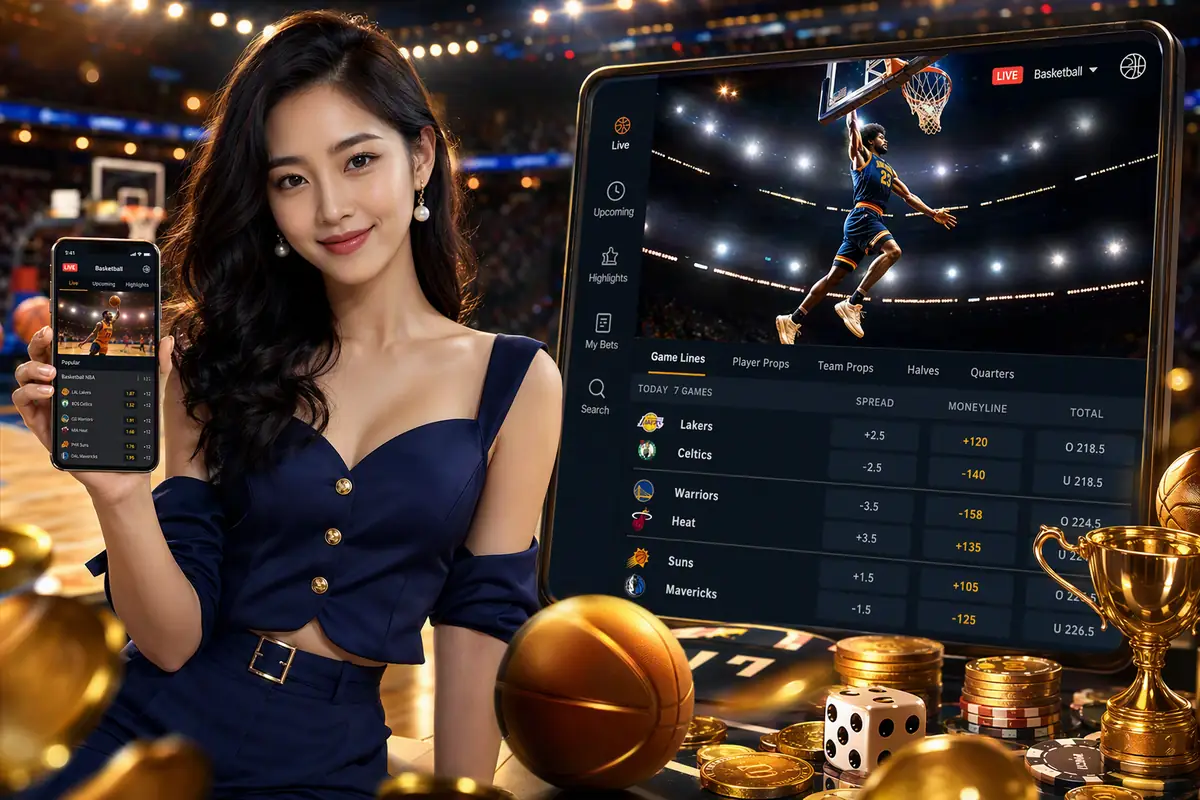
Desktop View
The full layout is visible on a larger screen, making it easy to monitor live games and sports odds at the same time.
Bookmark the site
Bookmark gk44.mobi so you never accidentally land on a fake site and can get in quickly every time.
What to do if you forget your password or username
Forgetting your password is not unusual. The password recovery process on gk44 is simple and fast — follow the steps below and you will have it sorted in a few minutes.
Go to the login page
Open gk44.mobi and tap the login button. Below the login form you will find the "Forgot your password?" link.
Enter your mobile number or email
Enter the mobile number or email address you used when registering.
Verify the OTP
An OTP will be sent to your mobile or email. Enter it within the given time.
Create a new password
After verifying the OTP, set a new password — use a mix of letters, numbers, and symbols.
Log in
Use your new password to access your gk44 account straight away.
Forgotten your username?
If you have forgotten your username, try logging in with the email address or mobile number you used when registering — in some cases that works.
If that does not solve it, contact gk44's 24/7 live chat support. Help is available in Bengali or English — keep your registration details handy so your account can be verified.
Remember: gk44 will never ask for your password by email or message. If you receive such a message, it is a scam.
Password guidelines
- Use at least 8 characters
- Mix uppercase and lowercase letters
- Include numbers and special characters (!@#$)
- Do not use your date of birth or name as a password
Tips to keep your account secure
Keeping your gk44 account secure means keeping your money and personal information safe. Following a few basic precautions can prevent your account from being hacked or accessed without permission.
Always keep your OTP to yourself
Never share the OTP you receive during login with anyone — gk44 support will never ask for your OTP either. If someone asks for it, they are a fraudster.
How to spot a fake site
The only correct address for gk44 is gk44.mobi. Any site using the gk44 name outside of this could be fake. If in doubt, check the About Us page for accurate information.
Do not share your password
Do not share your gk44 account password with family or friends. Each account is for one person only.
Change your password regularly
Change your password every few months. It is safer not to reuse old passwords.
Do not forget to log out
Always log out after using someone else's device or a public place. Clear your browser history as well.

Under gk44's Privacy Policy, your personal information is never sold to third parties. All data on the site is encrypted with SSL.
Common login problems and solutions
There is no need to panic if you have trouble logging in. Most problems can be fixed on your own — see the list below.
If the problem is not resolved
If none of the above methods work, contact gk44's 24/7 live chat support. Help is available in Bengali or English.
Help by email
For non-urgent issues, you can write in by email. Describing your problem in detail will get you a faster response. The site's FAQ page already has answers to many common questions.
Log in and start playing
On your first deposit at gk44, you get a 100% bonus up to ৳5,000 (wagering 25x the bonus amount). You can start with a deposit of just ৳100 via bKash, Nagad, Rocket, or Upay. Withdrawals are generally processed within 1 hour. VIP members receive cashback every week.

What you get after logging in
As soon as you log in, all offers will be visible on your dashboard. Weekly reload bonuses, slot festival bonuses, and special birthday rewards — all in one place.
Hundreds of slots including gk44's Money Coming game, live casino, and sports betting are directly accessible after logging in. Maximum RTP is maintained across every game.
- bKash, Nagad, Rocket, Upay — all mobile wallets supported
- Minimum withdrawal ৳1,000
- 24/7 Bangla support
- For members aged 21+